
AI Talking Video Generator
Make a photo, a saved character or an AI avatar speak your script, with lips, face and head moving naturally. Use your own cloned voice or choose from voices with many accents.
- ✓ Free to join
- ✓ No subscription, pay as you go
- ✓ Price shown before you approve
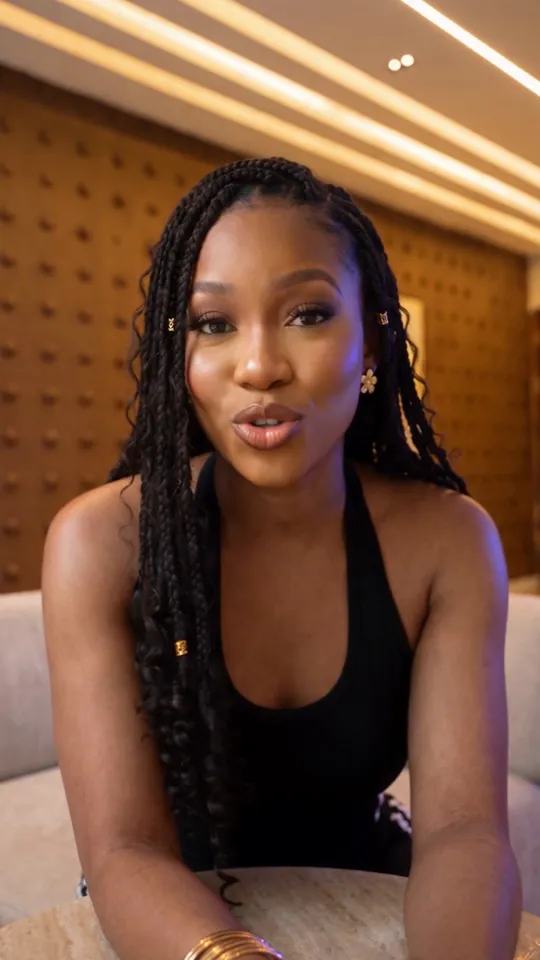
Made with Oasis
Every example was made in Oasis. Tap one to start from the same idea and make it yours.
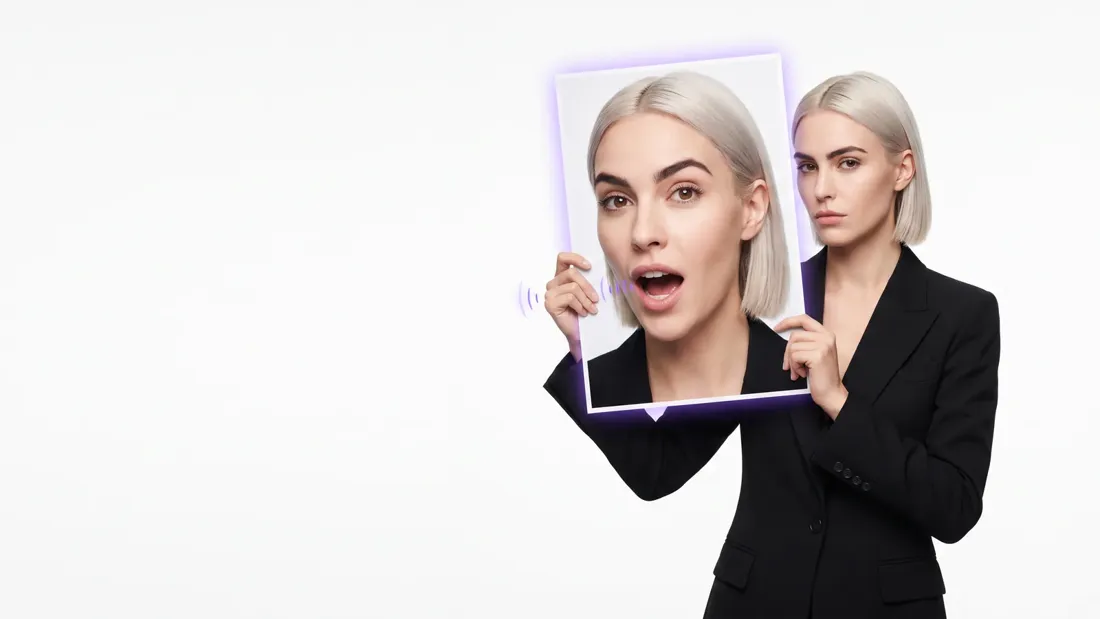
“Make my photo talk: read this welcome message for my website in a warm, friendly voice”
Try this idea in Chat →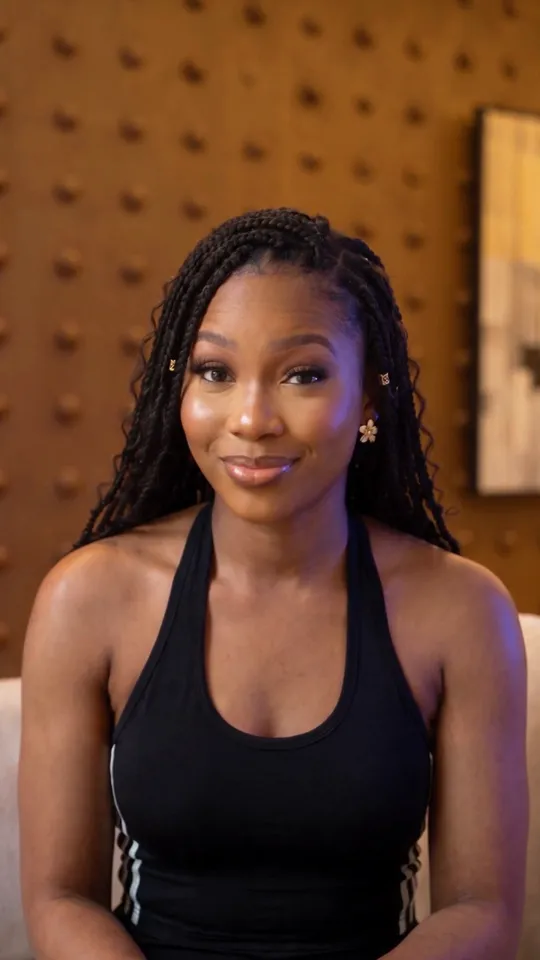
“Create an AI avatar for my channel and have her introduce today's video in 20 seconds”
Try this idea in Chat →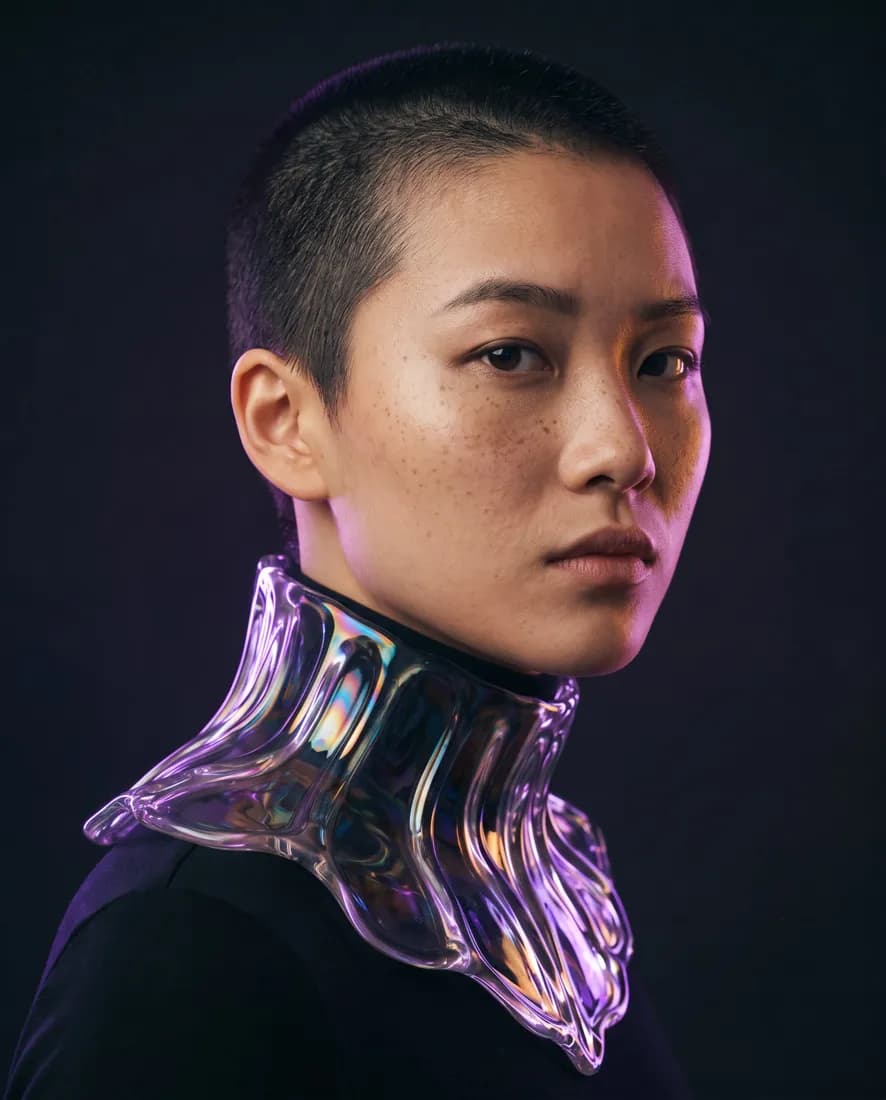
“Turn this portrait into a talking video that announces our new collection, calm and premium”
Try this idea in Chat →How it works
- 1
Choose who talks
Your own photo, a saved character, or a new AI avatar Oasis creates for you.
- 2
Give the script and voice
Paste the script or let Oasis write it. Pick a voice or use your own cloned voice.
- 3
Approve and download
See the price first, then get the video with matching lips, and add captions if you like.
What you can make
Natural lip sync
Lips, face and head movement follow every word, not just the mouth.
Your own voice
Clone your voice once with a short recording and use it in every video.
Voices with real accents
Choose from natural voices with Nigerian, Ghanaian, Kenyan, British, American and other accents.
Three quality levels
Standard for quick videos, Pro for more detail and Studio for the most lifelike, with upper-body gestures.
Up to 60 seconds
Long enough for an intro, an explainer, a lesson or a full ad read.
Captions in many languages
Add animated captions, including for Yoruba, Igbo, Hausa and Pidgin speech.
Lifelike avatars, picked for the job
Oasis uses leading avatar models, from fast everyday talking heads to studio-grade performances with gestures, and picks the right one for your script and budget.
Questions
How much does it cost?
Joining Oasis is free and there is no subscription. You buy credits when you need them and only pay for what you make. Oasis shows the exact price before anything starts, nothing is charged until you approve it, and failed jobs are refunded automatically.
Can I make someone else's photo talk?
Only with their permission, and never a child. Talking videos of real people must never be used to make it look like they said something they didn't.
Can I use my own voice?
Yes. Record a short consent sentence and a sample in Voice Studio, and your cloned voice is ready to use in any talking video.
How long can a talking video be?
Up to 60 seconds per video. For longer pieces, make several and join them.
Can I use Oasis from ChatGPT or Claude?
Yes. Oasis connects to AI assistants like Claude and ChatGPT, so you can create from the chat app you already use. See the Connect page for the steps. Connect Oasis →
If you can converse, you can create. Tell Oasis who should talk and what they should say.
Free to join. Pay only for what you make.